What Is This, ichini!?
Everything you need to know about the ichini! home workout app. Who it’s for and how it works.

Well, "ichi" is the number 1 in Japanese and "ni" is the number 2. But much more importantly, this is a workout app for fully personalized interval home workouts that runs in any browser, whether on mobile or on desktop.
Who This Is For
ichini! was built for (and designed by) people that don’t like the "no pain, no gain" aesthetics in fitness or the "commit to the goal of looking like a Marvel actor or leave it" attitude. This is a solution built for people that want to integrate working out into their—often stressful—lives in a sustainable way, in order to stay healthy and look the part. We aim to create a light, welcoming experience that invites you to move, rather than one that commands you with military-style drills.
How Does It Work?
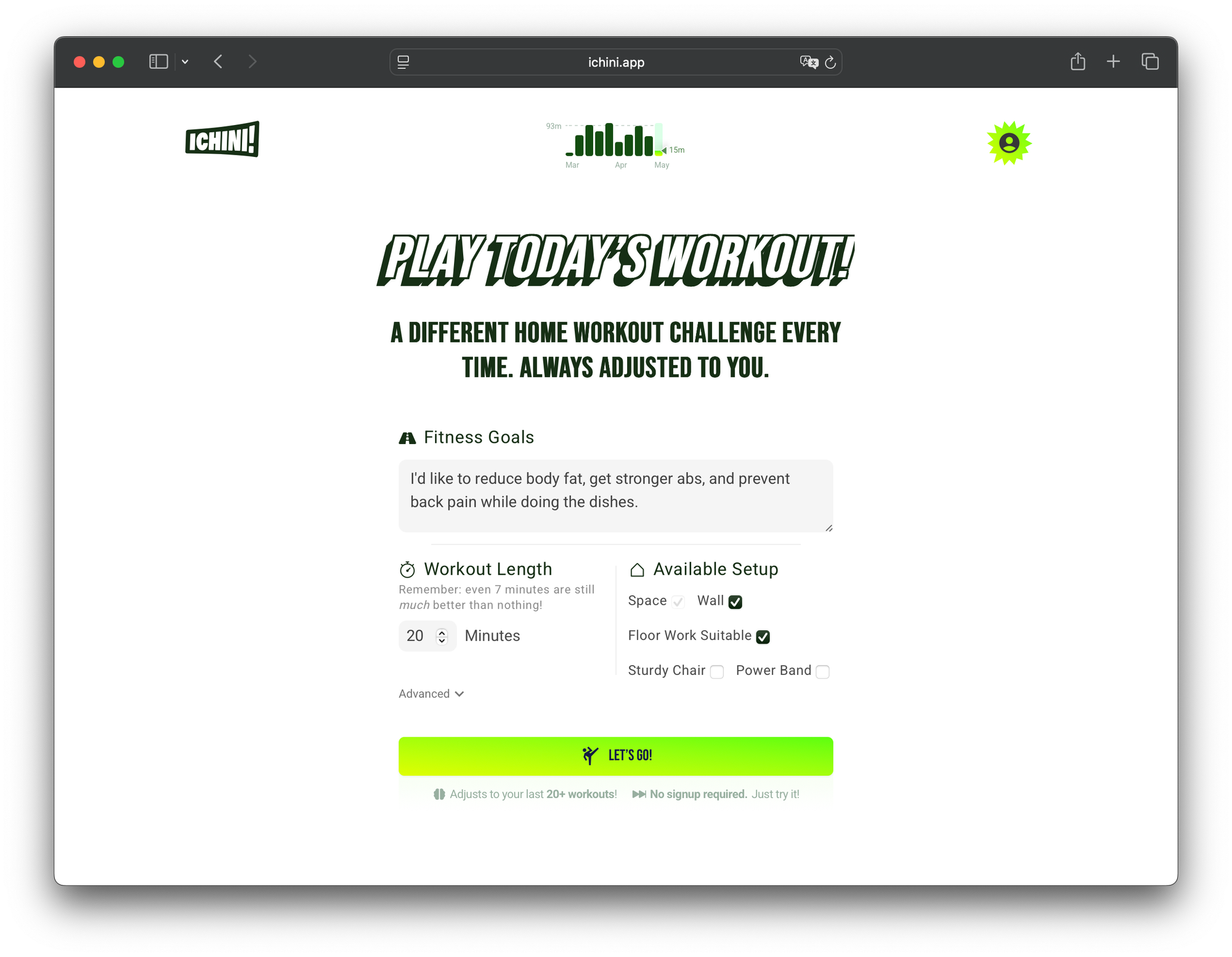
You don’t need to commit to a rigid plan. Instead, just ask yourself regularly how many minutes of working out feels doable today (maybe just right before your shower), whether that’s 45 or even just 5 minutes. After all, any healthcare professional will tell you that any amount is better than none. Then, all you need to do is go to ichini.app, fill in your "Fitness Goals" once (to specify whether you want to target specific areas or train the full body), enter your "Workout Length" with the number of minutes you have decided on, and hit "Let’s Go".
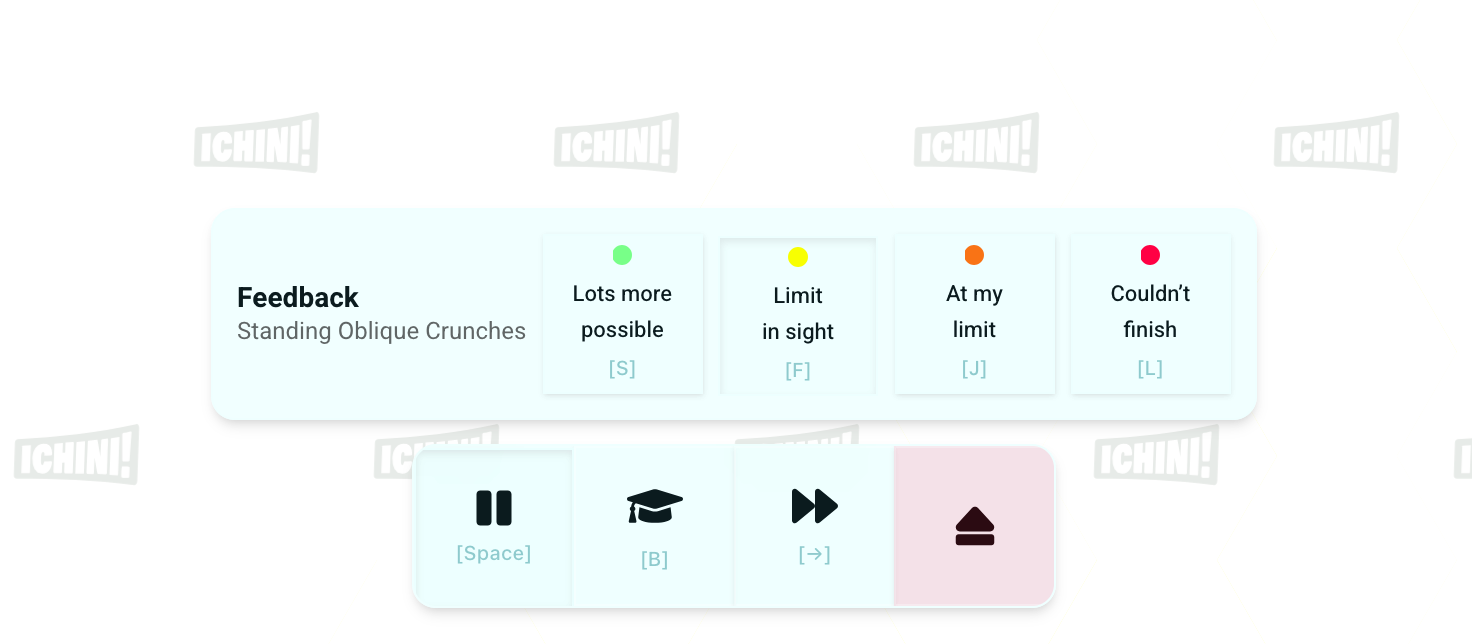
During the workout, ichini! will ask for feedback on certain exercises. That’s how our algorithm learns the right intensity for you, helping you write your unique fitness story.
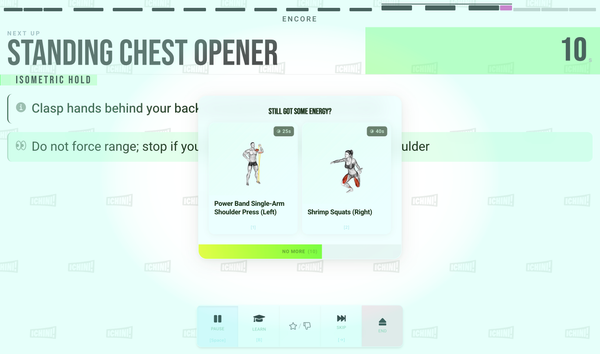
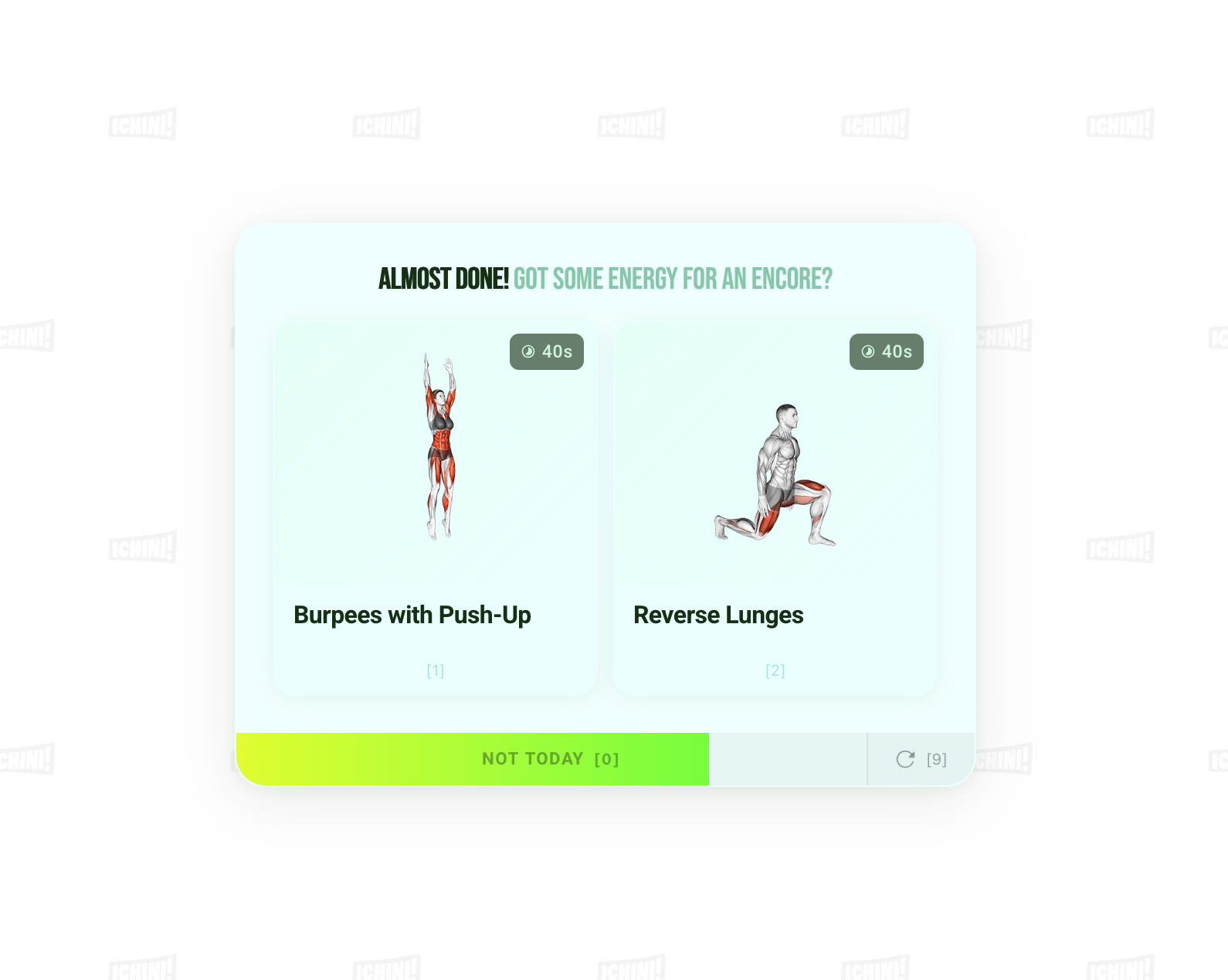
Towards the end of your planned workout, you’ll get asked whether you’d like to do one or more additional exercises, whether you’d like to "give an encore". This is a fun way of staying active just a little longer than initially planned, in case you still have time and energy.
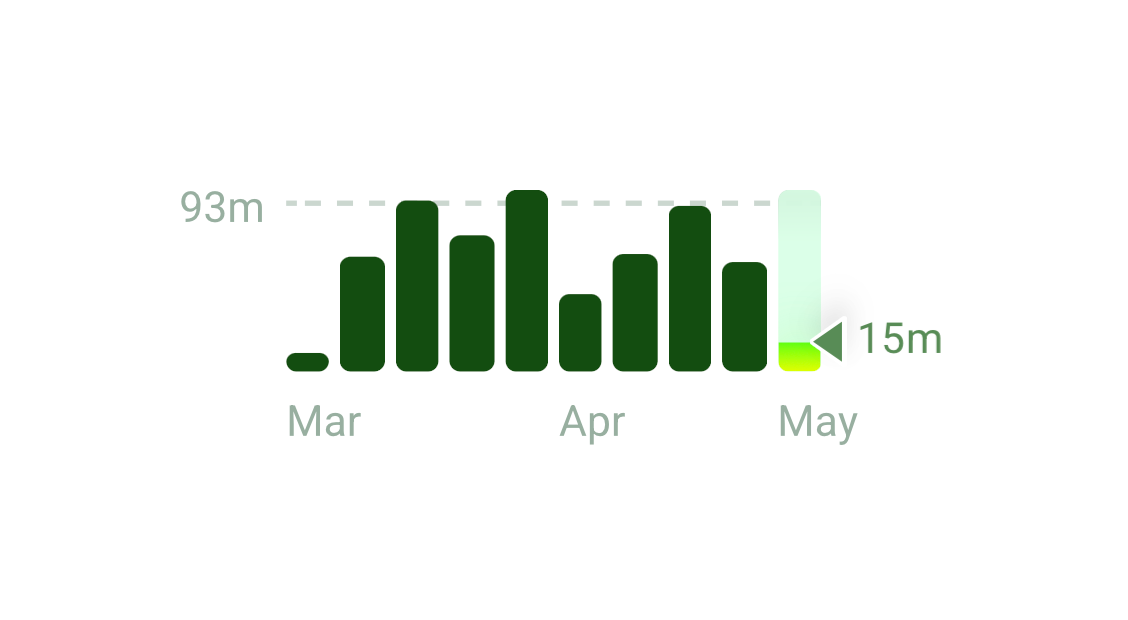
By the way, every minute you spend working out will be added to your activity chart, which tracks the past 10 weeks. It can be pretty satisfying to be able to top last week, but no pressure if you don’t—you can be proud of any number greater than zero.
ichini! is live now—give it a try! The first 7 workouts are entirely free, and you don’t even need an account to complete them.
More Control Over Your Workout
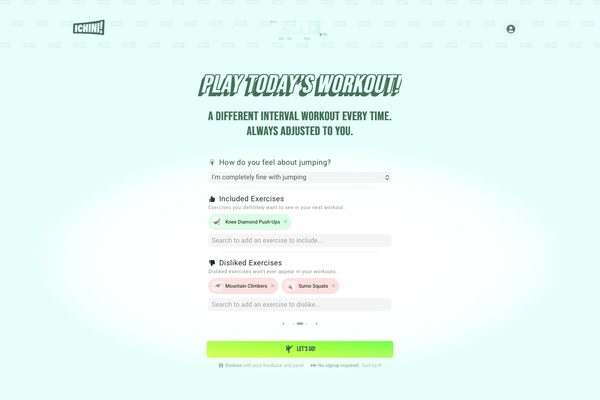
For those of you who want to have more control over the resulting workout, the app provides even more settings in the Advanced section beneath the main form.
Jumping Intensity
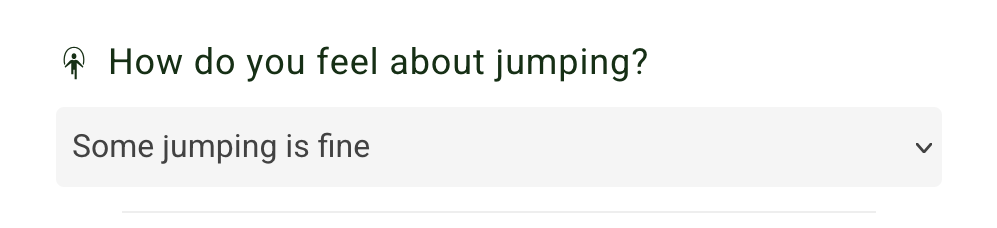
If you wish to exclude exercises involving jumping from your workout entirely, you can choose the lowest setting from the How do you feel about jumping? section: "No jumping at all, please".
If the only reason you don’t want jumping is because you live in an apartment building and want to stay friendly with your community, the "Some jumping is fine" setting is sufficient for most neighbors.
Go with "I’m completely fine with jumping", if you don’t mind jumping at any intensity.
Including Specific Exercises
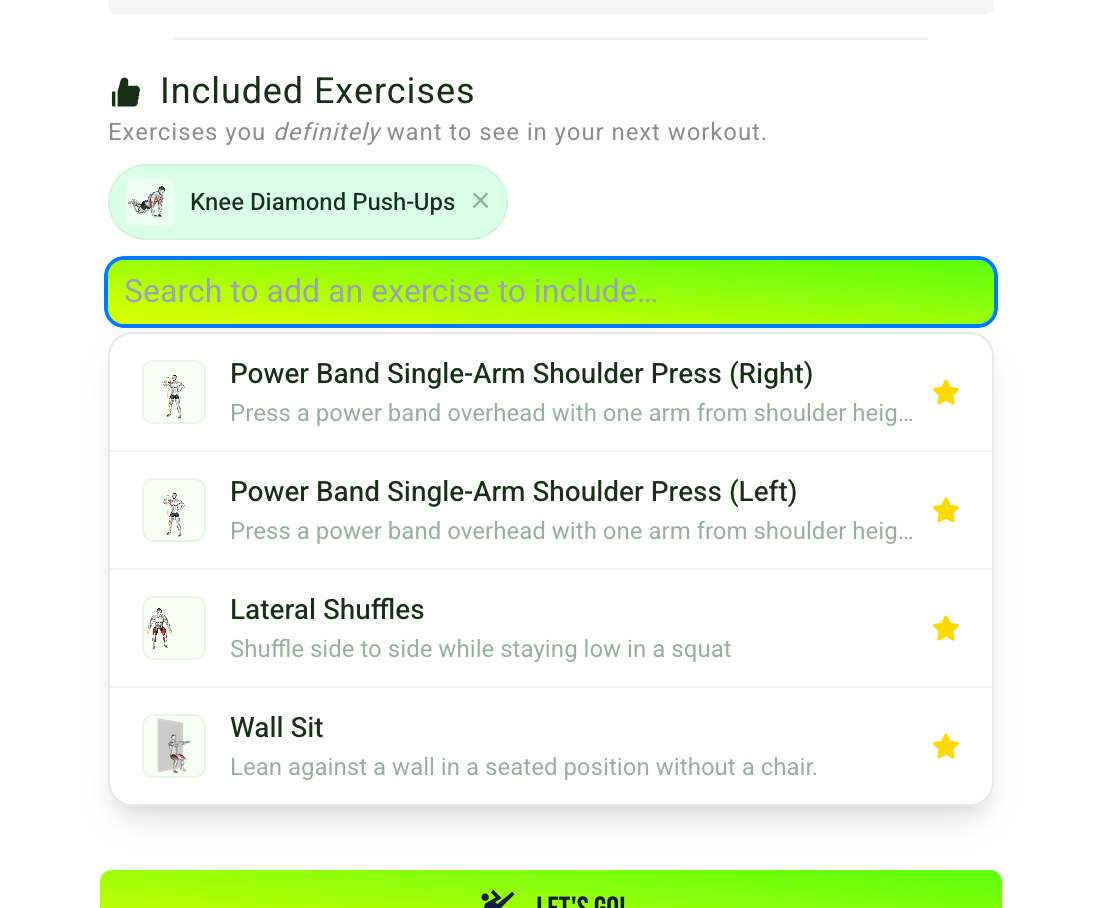
If you already know one or more exericses you want to do today, select them from the dropdown in the Included Exercises section. This will ensure these exercises will definitely appear in your workout.
Excluding Exercises From Your Workout
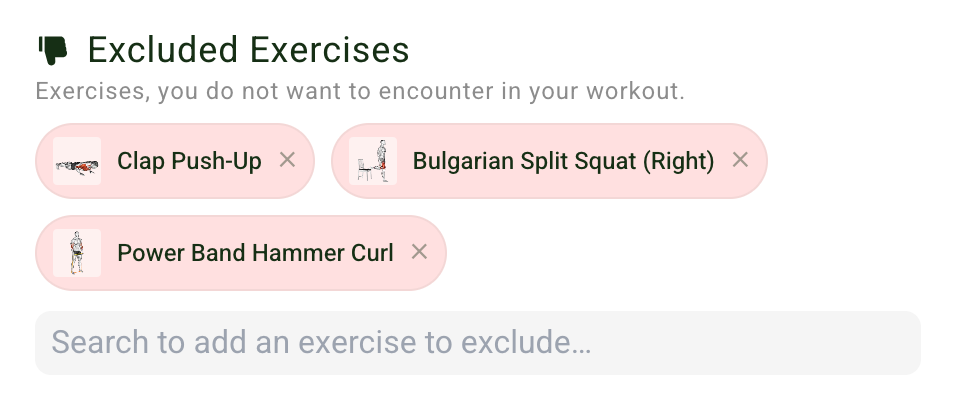
Any exercises listed in the Excluded Exercises section will definitely not appear in your workout. Exercises you disliked during previous workouts will automatically be listed here. But you can also revise your decision by removing them here.
Exercises With Visual Explainer Only
Not all our exercises have visual explainers yet. If you don’t mind using the detailed step-by-step instructions to learn new exercises, you can leave this unchecked.
Include Warm-Up and Cool-Down Phases
By default, all our workouts contain a warm-up as well as a cool-down phase. Those phases help gently prepare your body for movement and ease you back to a resting state for a more comfortable session. If you’re already warm or want to take care of that yourself, you may choose to uncheck either one or both of these boxes.
How To Stay In The Loop
We’ll be announcing all our latest updates in our newsletter. If you’d like to follow along, subscribe below!